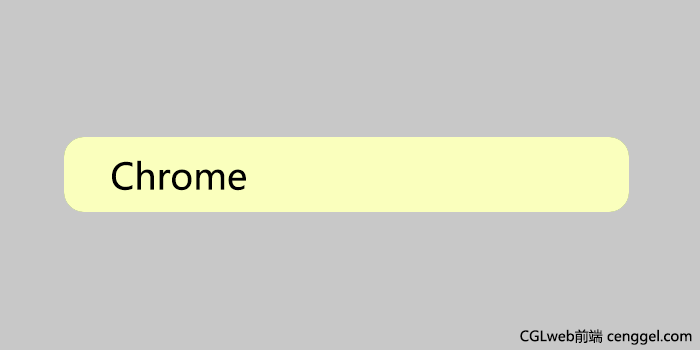
CSS取消谷歌浏览器黄色背景
当Google的chrome浏览器(input)获取到以前的数据的时候会出现浅色背景色,这个实在是太令人讨厌了,看看支付宝的登录界面就知道,谷歌浏览器input的黄色背景实在是有点难接受。尤其是那些强迫症们,呵呵,祝你们死的愉快。

当然今天写这篇文章的目的是为了解救你们的这些强迫症啦。
方法是给input加box-shadow,对就是这个属性,这属性可以完美的解决谷歌浏览器input的黄色背景的问题,请看下方的代码:
注意事项:box-shadow的颜色需要跟背景色一样才可以哦。
<style type="text/css">
    input:-webkit-autofill,
    input:-webkit-autofill:hover,
    input:-webkit-autofill:active,
    input:-webkit-autofill:focus {
        background-color: #FFFFFF !important;/*强制背景色*/
        color: #555 !important;/*文字颜色*/
        -webkit-box-shadow: 0 0 0 300px white inset !important;/*内阴影*/
        -webkit-text-fill-color: #555555 !important;/*文字颜色*/
    }
</style>
2 条留言
去留言找了好久,这方法有点不走寻常路哈
没办法了都,我上谷歌搜索才拿到的